Fast Digital Menu & Unified Restaurant Floor Operations
An integrated system starting from a browser-based menu opened by QR code and connecting waitstaff tablets, cashier workflows, and kitchen order status in one operational flow.
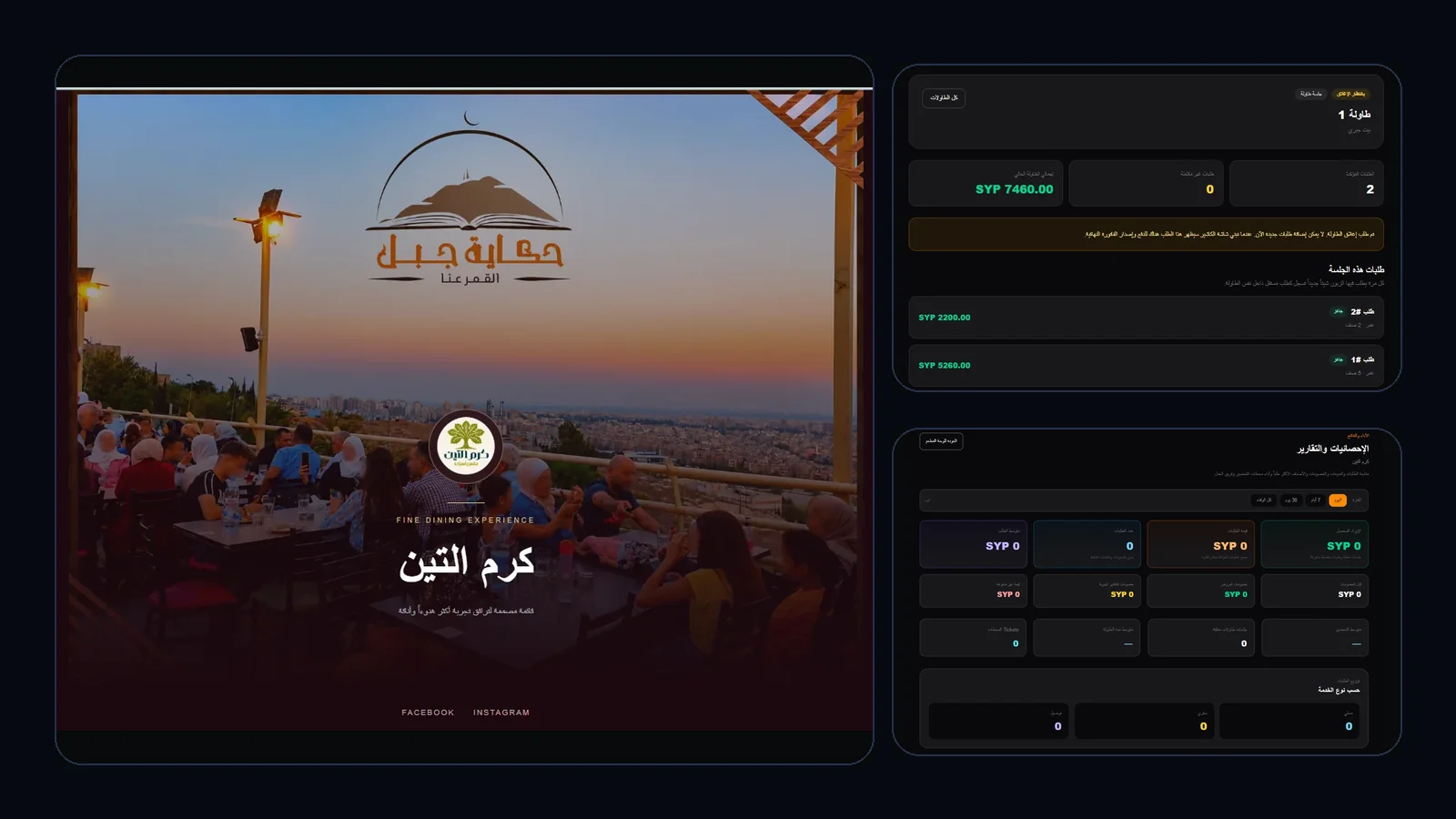
The real challenge wasn’t showing food, but fragmented restaurant tools
Relying on heavy mobile PDFs with handwritten waiter notes and isolated registers causes service slowdowns, billing mistakes, and leaves management without clear insights.
Sluggish Traditional Menus
Heavy PDFs and static sheets drain customer mobile data and fail to adapt comfortably across screen sizes.
Floor Staff Coordination
Waitstaff repeatedly walking back to the kitchen to check order readiness delays floor service and elevates wait times.
Limited Operational Clarity
Difficulty recognizing high-demand dishes, true rush windows, or floor productivity trends.
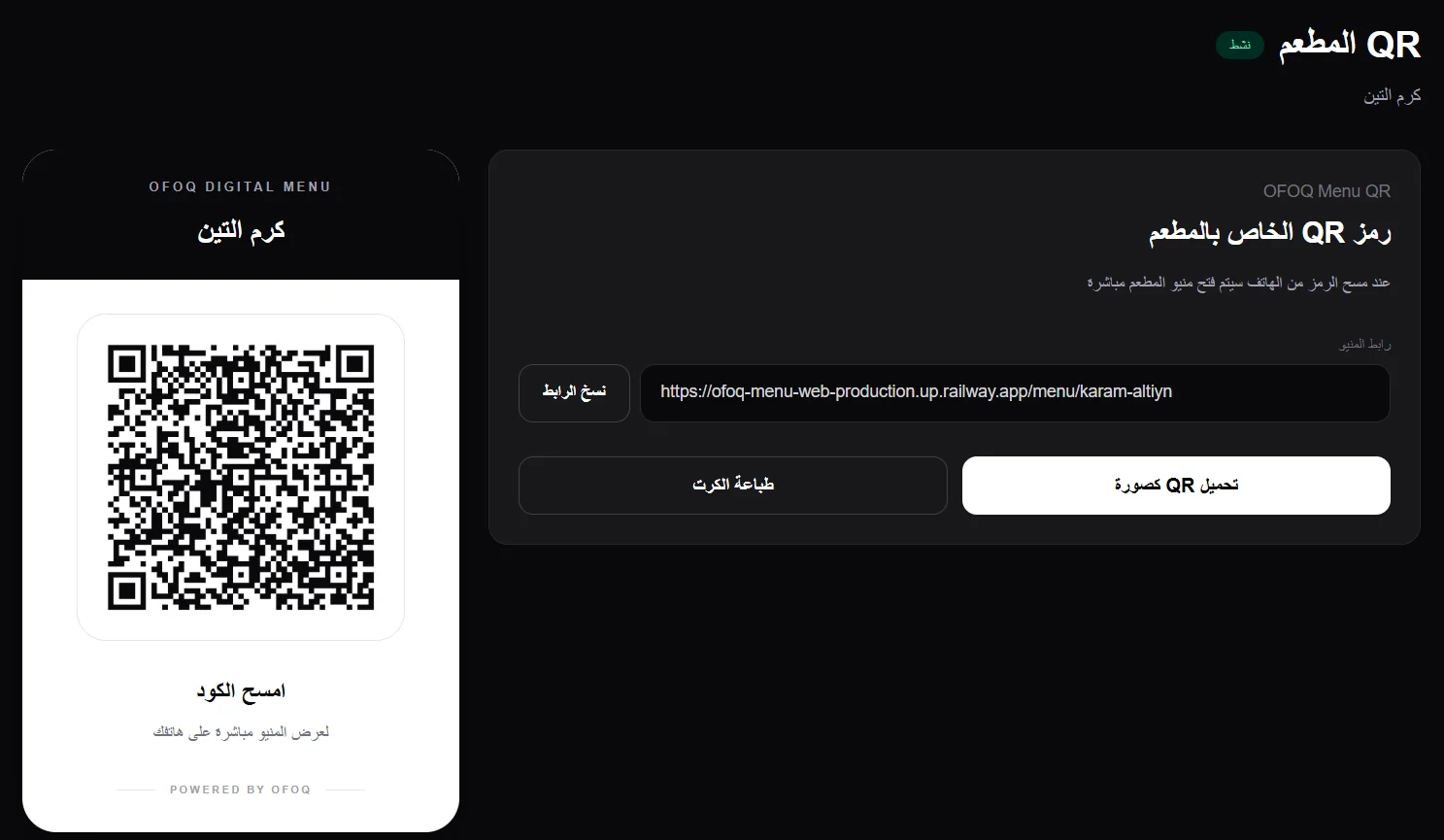
A QR entry point prepared for tables and print
The platform provides a restaurant QR code and direct menu link so guests can reach the browser experience without installing an app
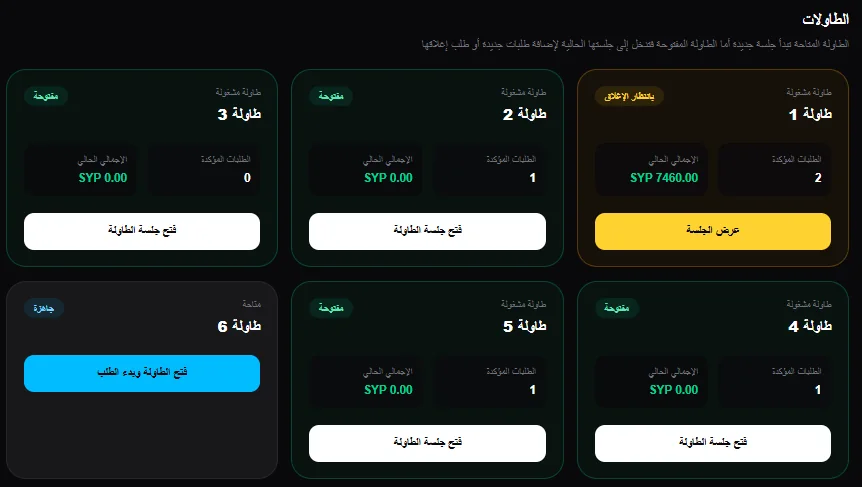
Interactive Table Map & Connected Floor Sessions
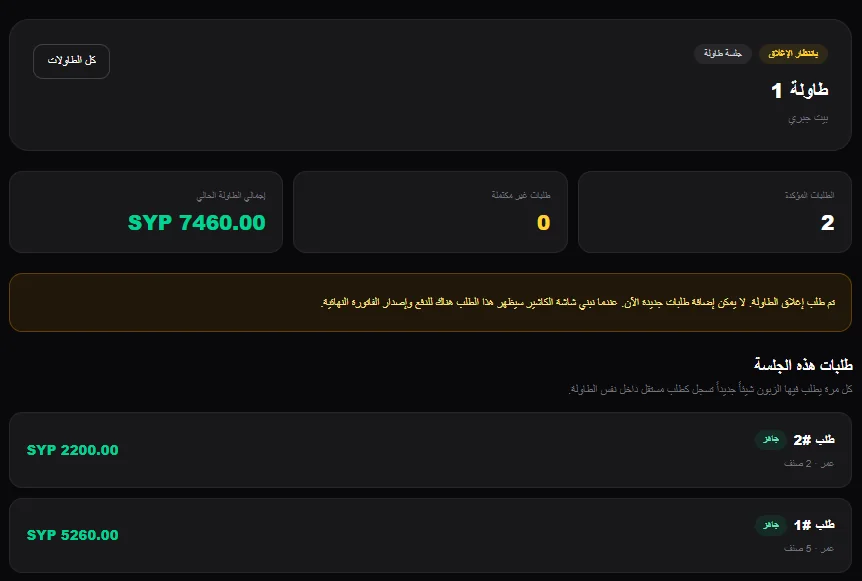
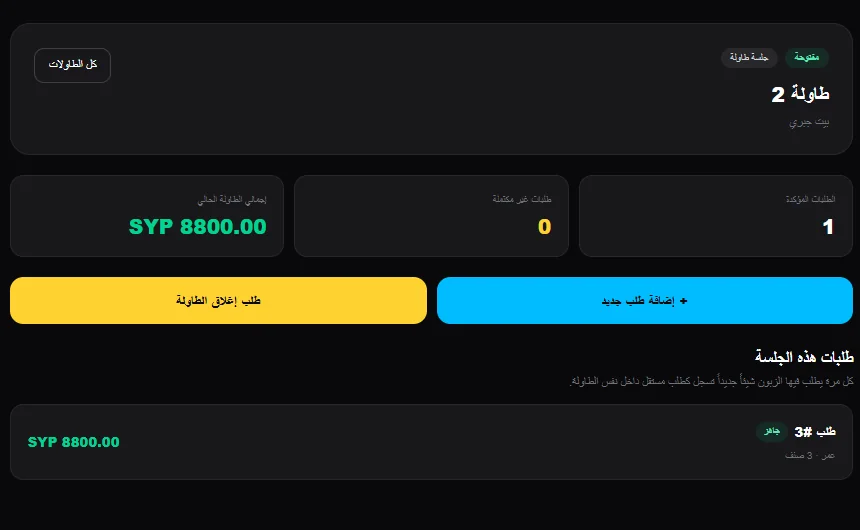
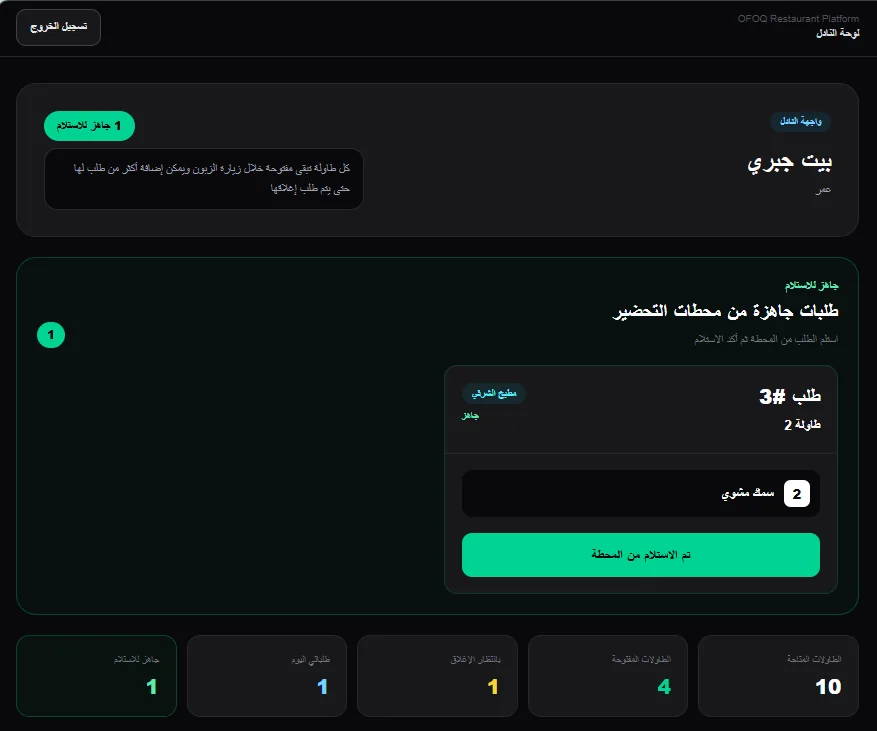
Floor staff use tablets to view table states, manage multi-round orders, and see when kitchen items are marked ready for pickup.
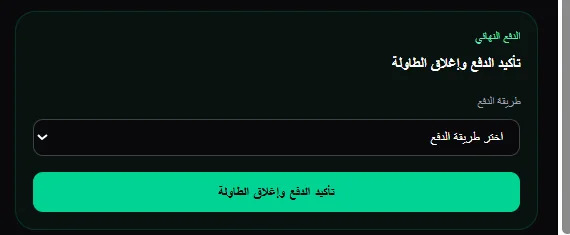
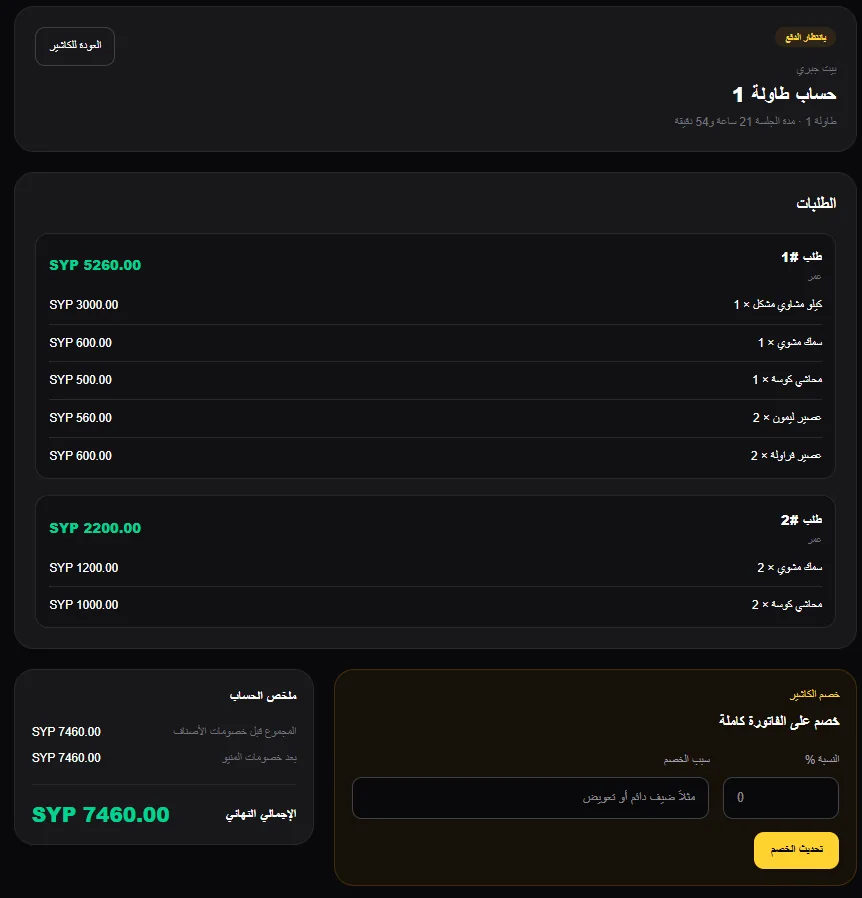
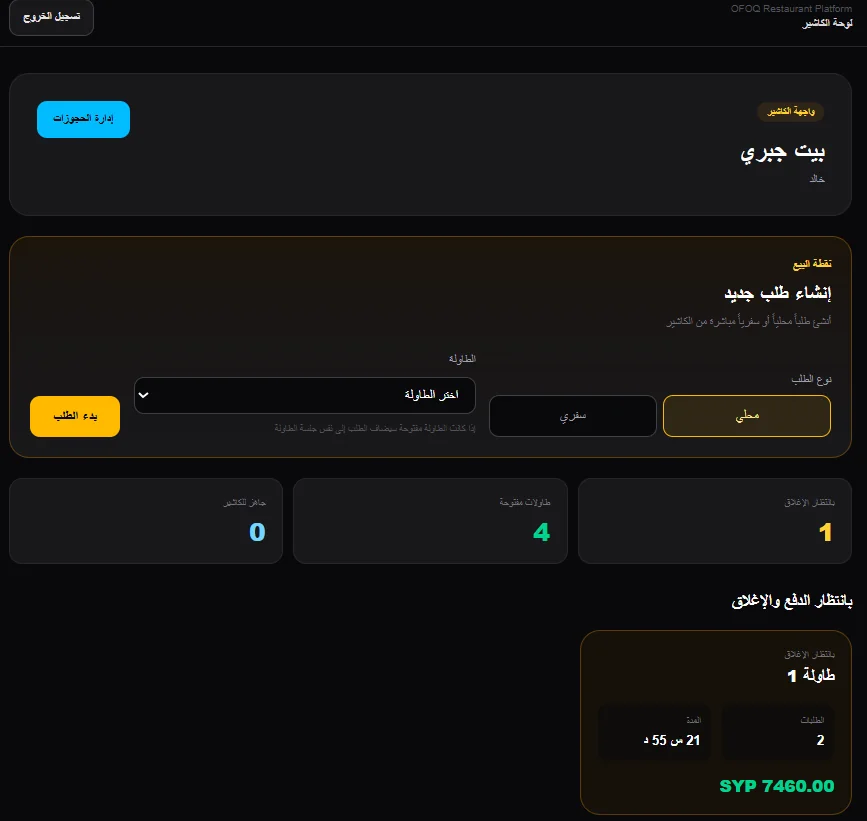
Cashier, Kitchen Readiness & Reservations in One Flow
Cashiers receive session summaries with payment and discount controls, while ready orders from preparation stations and reservation records stay visible in the same operational platform.
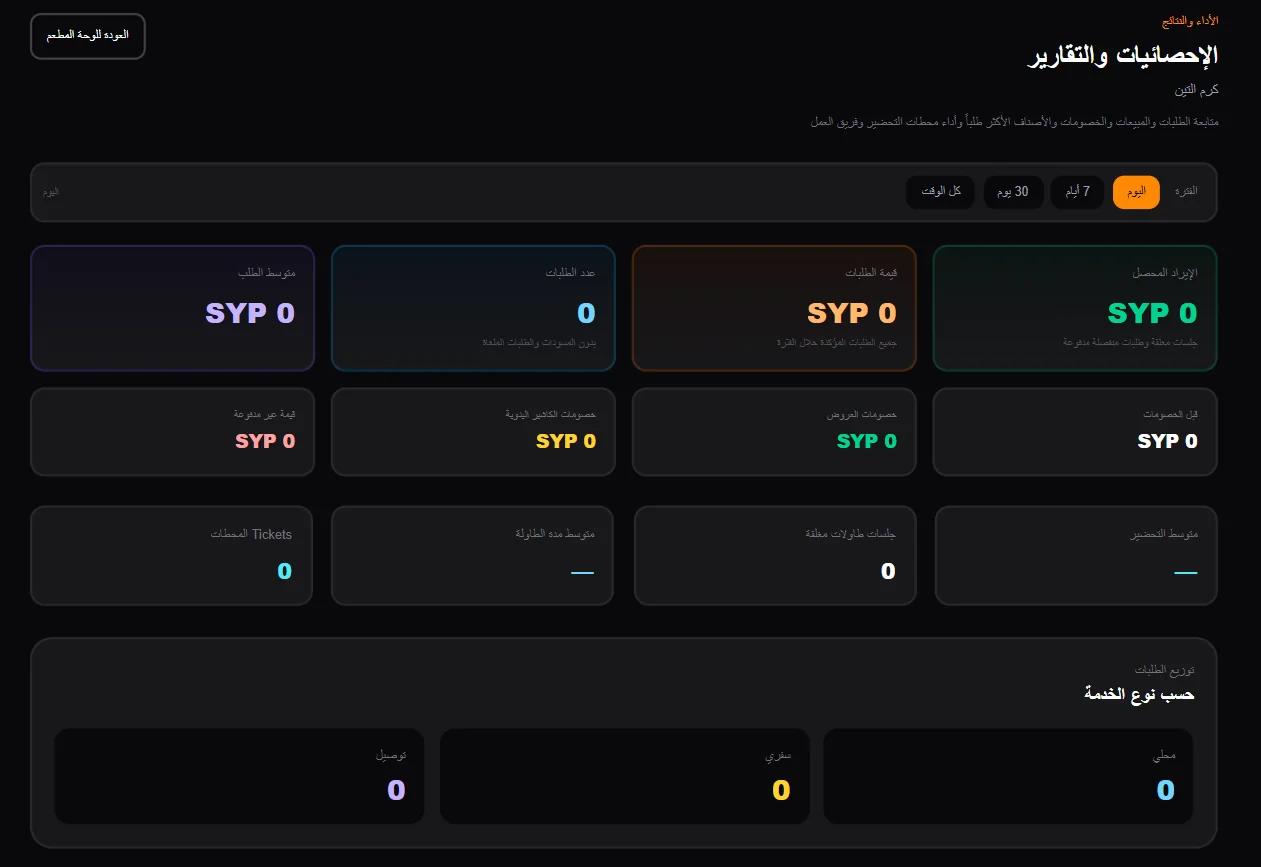
Clear Operational Oversight Over Revenue & Trends
Central analytics summarize revenue, average ticket size, and best-selling items, while menu content and pricing can be managed from the same platform.
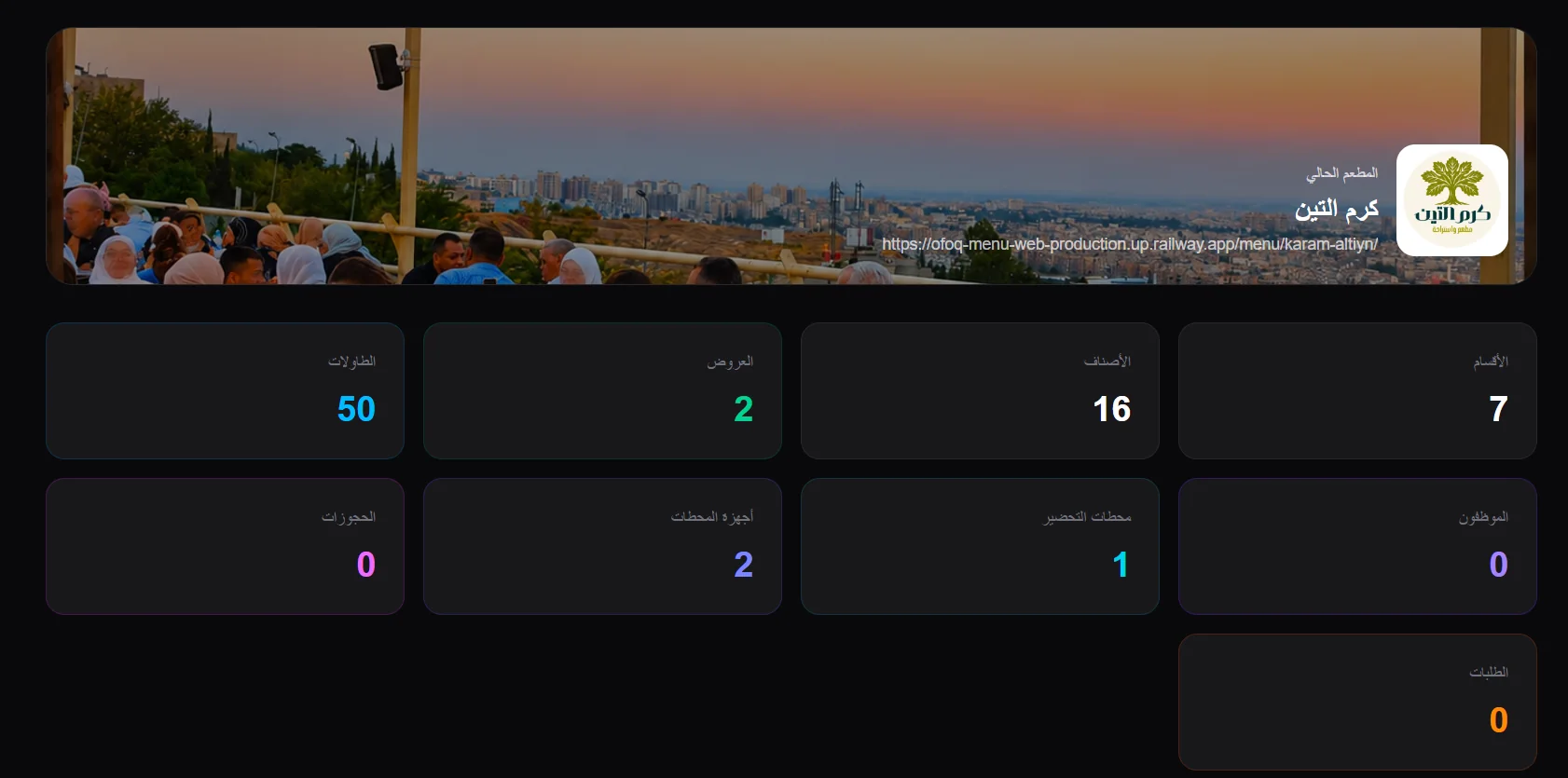
Explore the Experience from Guest, Staff, and Ops Screens
Switch between views to see how the guest, floor, and operations experiences connect across the same platform.
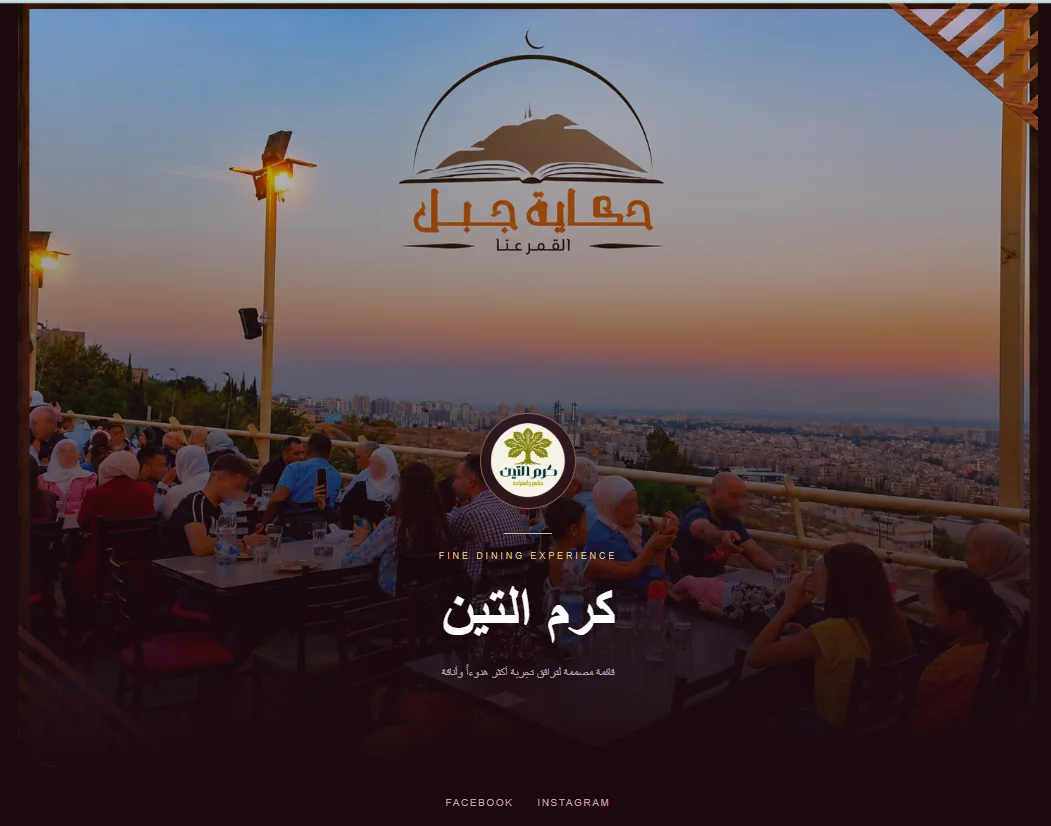
Guest Digital Menu on Mobile
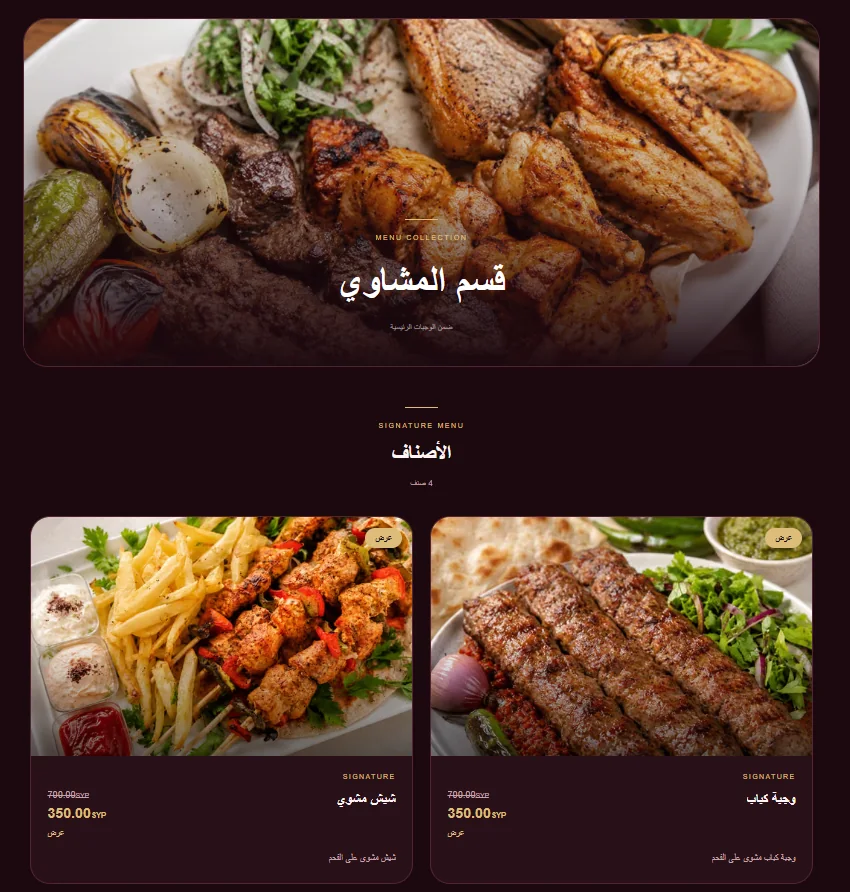
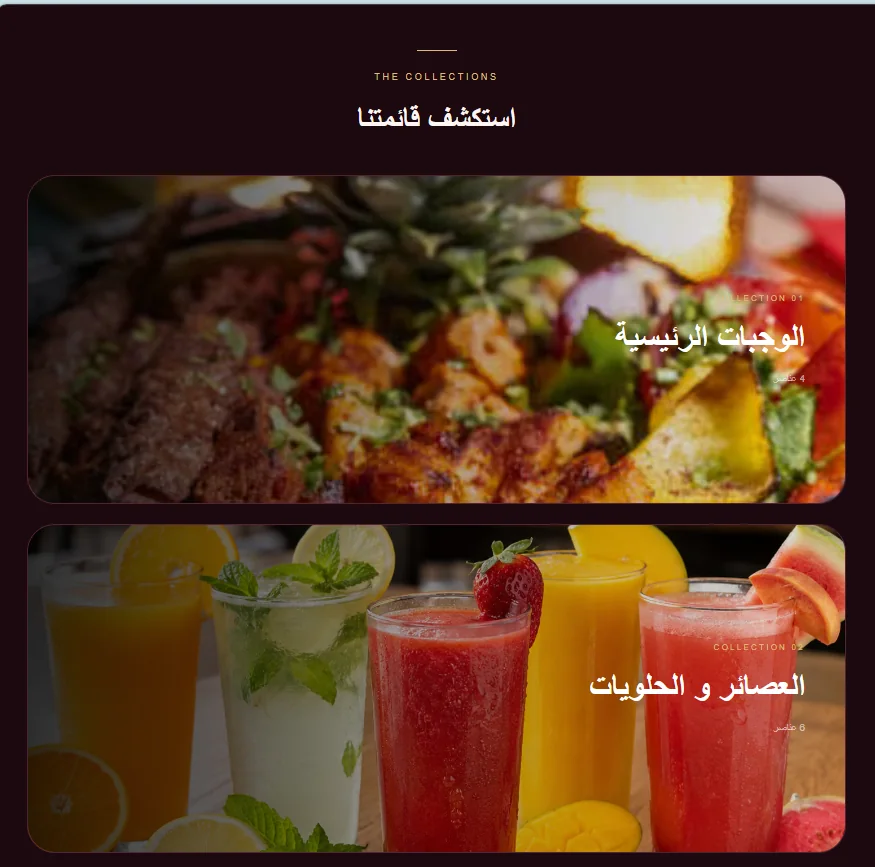
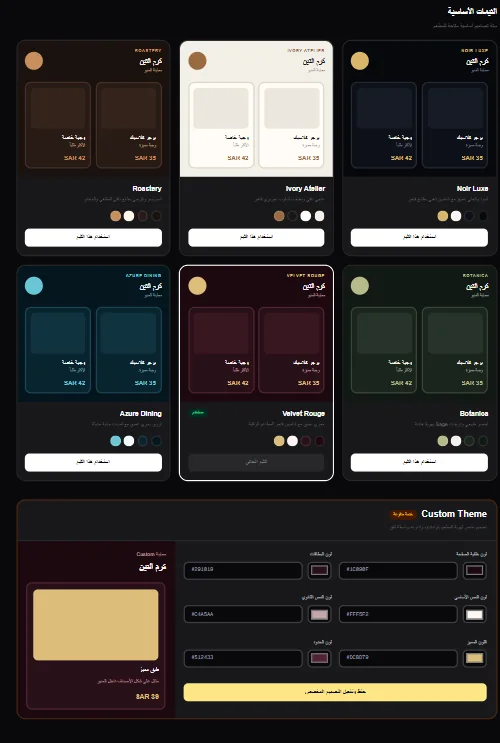
Browser-based digital menu opened from a QR code without requiring an app download, with organized categories, imagery, pricing, and customizable themes
- Fast category and collection navigation
- Clear item cards with imagery, names, and pricing
- Six curated visual themes and custom color controls
- Fluid bilingual Arabic and English experience
Ready to elevate your restaurant experience?
We help you craft a fast digital menu and a unified operating system that highlights your brand and powers your floor and kitchen.